Moving Items Within A Post
In this lesson, you'll learn how to move items around in a post, or rearrange a post.
Sometimes, as you're creating your posts, it may become apparent that the post would flow better if some items were rearranged.
Thankfully, this is easy to do in your blog posts!
For items within Dynamic Cards, and code blocks, you can hover over the item you'd like to move in your editor. A green frame will appear around it.
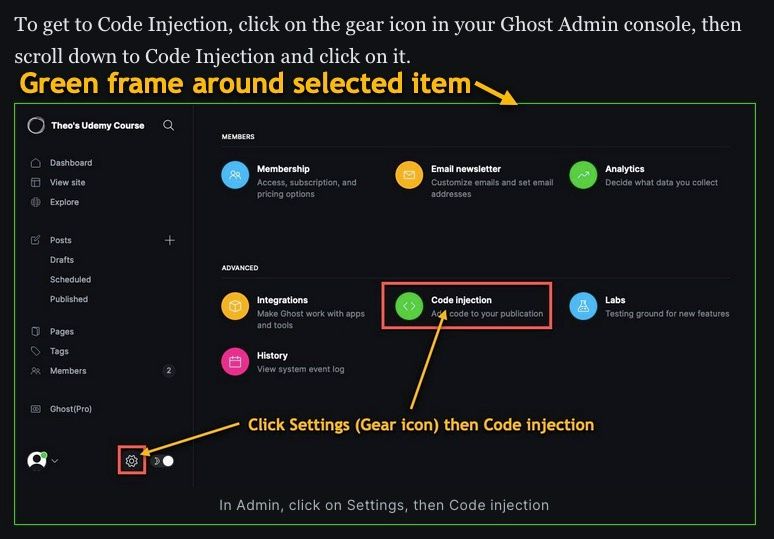
Click on the item and drag it up or down as desired.
A green line will appear where the item will land if you release the mouse.
If you want to shift straight text around, just highlight it and hit Ctrl-x (Cmd-x on a MAC) to cut the text, move the cursor to the new location and hit Ctrl-v (Cmd-v on a MAC) to paste to the new spot.
That's all there is to it! Now you can move items around in your posts.